The customer, the paperwork and who may see them
Who you rented to, what you hold on file for them, and which of your team can open any of it.
Join for freeCustomers
One record per person, and every hire on it
Licence, contact details and everything they have taken from you, so a returning customer is not a fresh form.
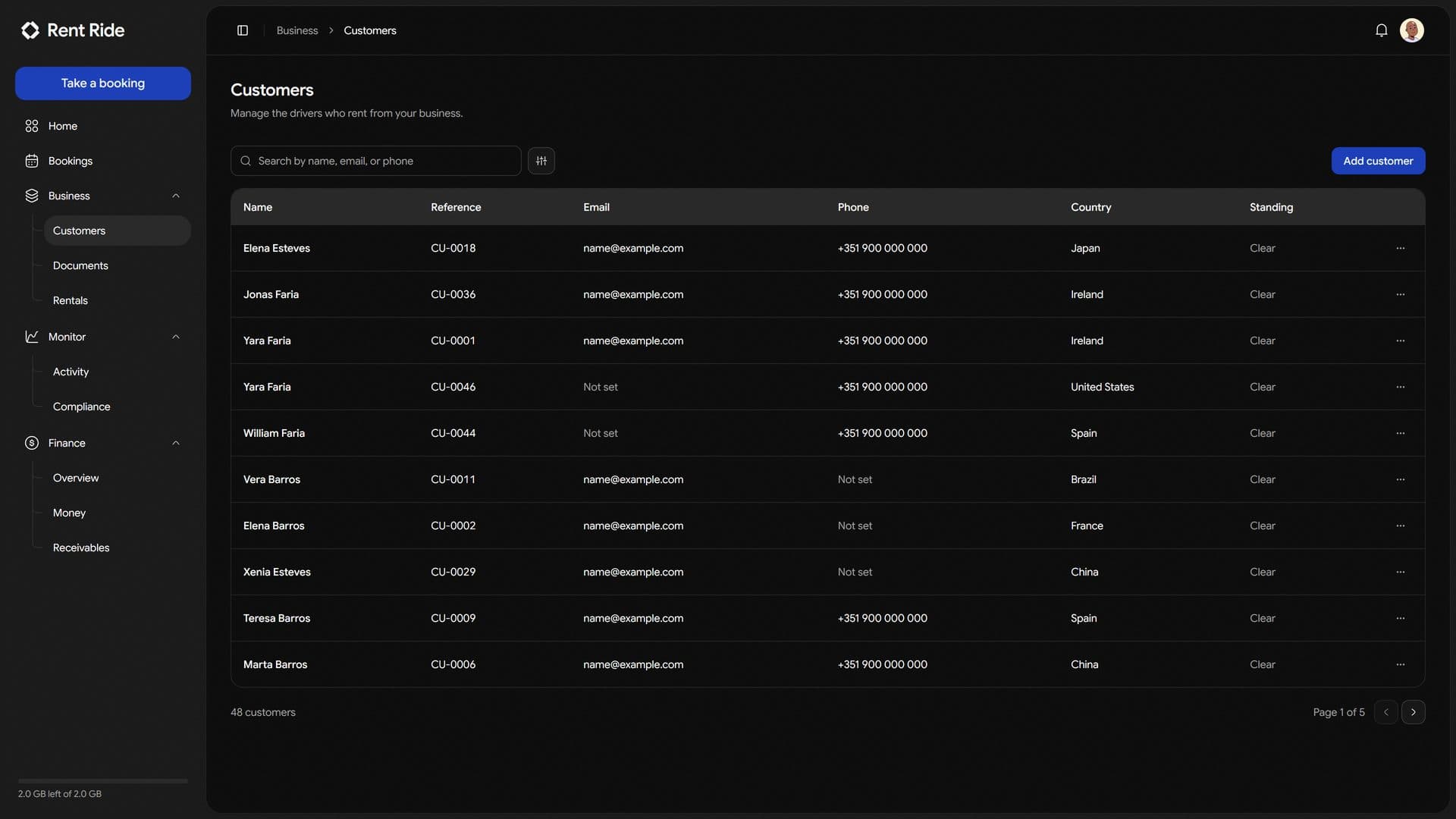
- Captured once
- The details go in during the first booking and stay with the customer, so nobody re-types a licence number.
- History is the record
- Every booking a customer has taken sits on their record, so what kind of customer they are is a page rather than a memory.
- Found at the counter
- A name, a phone number or an email opens the person, with their hires on it.
Documents
The paperwork, filed against what it belongs to
Licences, agreements and anything scanned at the desk, kept with the record they were taken for.
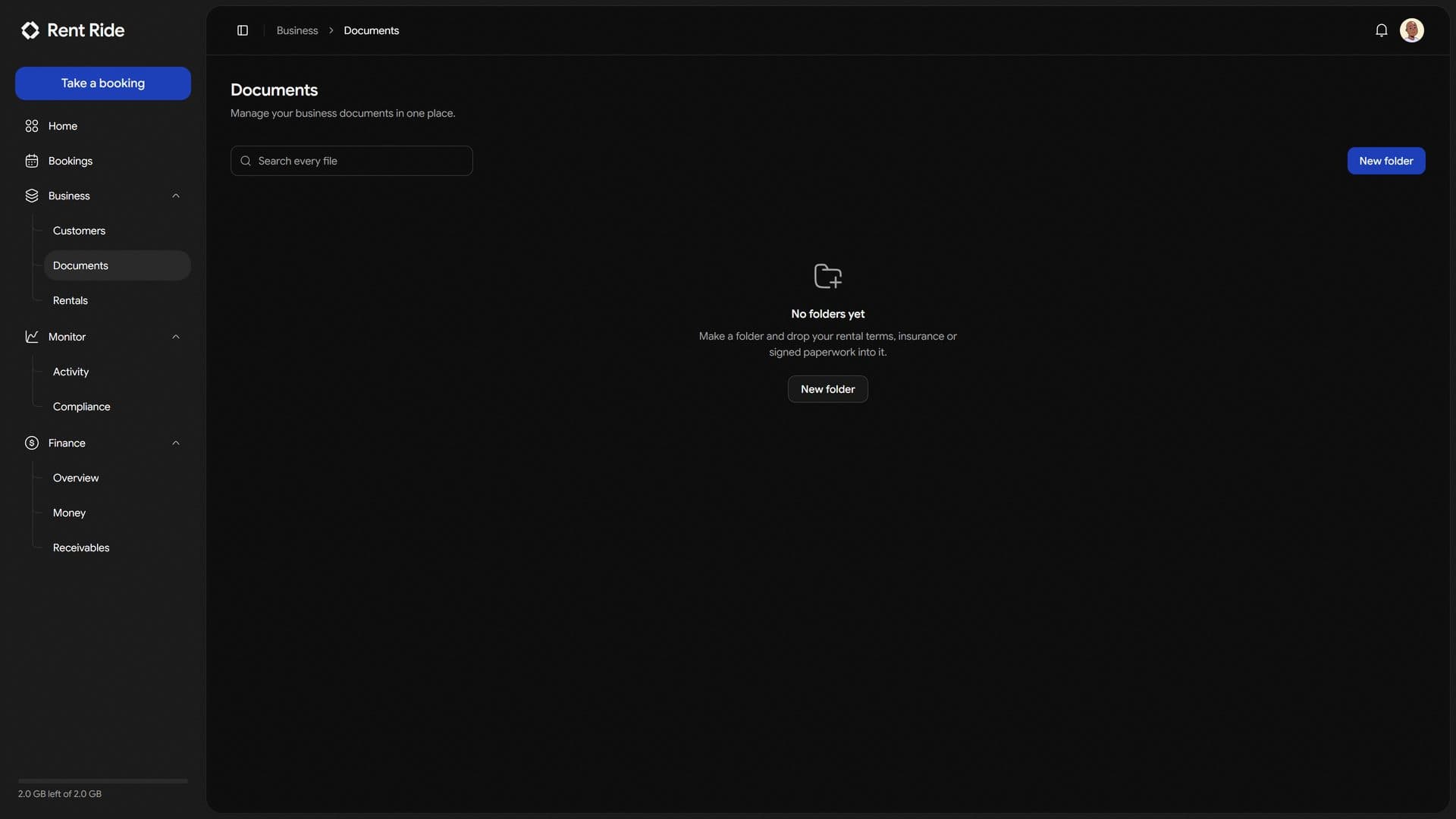
- Against the record
- A file belongs to a customer, a vehicle or a booking, so nothing ends up in a folder nobody opens.
- Expiry is a date, not a note
- Anything with a date on it is watched against that date and said out loud before it lapses.
- Handed out privately
- Files are served through links that expire, rather than from an address anybody could guess.
Your team
Invite the desk without handing over the books
Each person gets a role, and a role is a list of what they may see and what they may change.
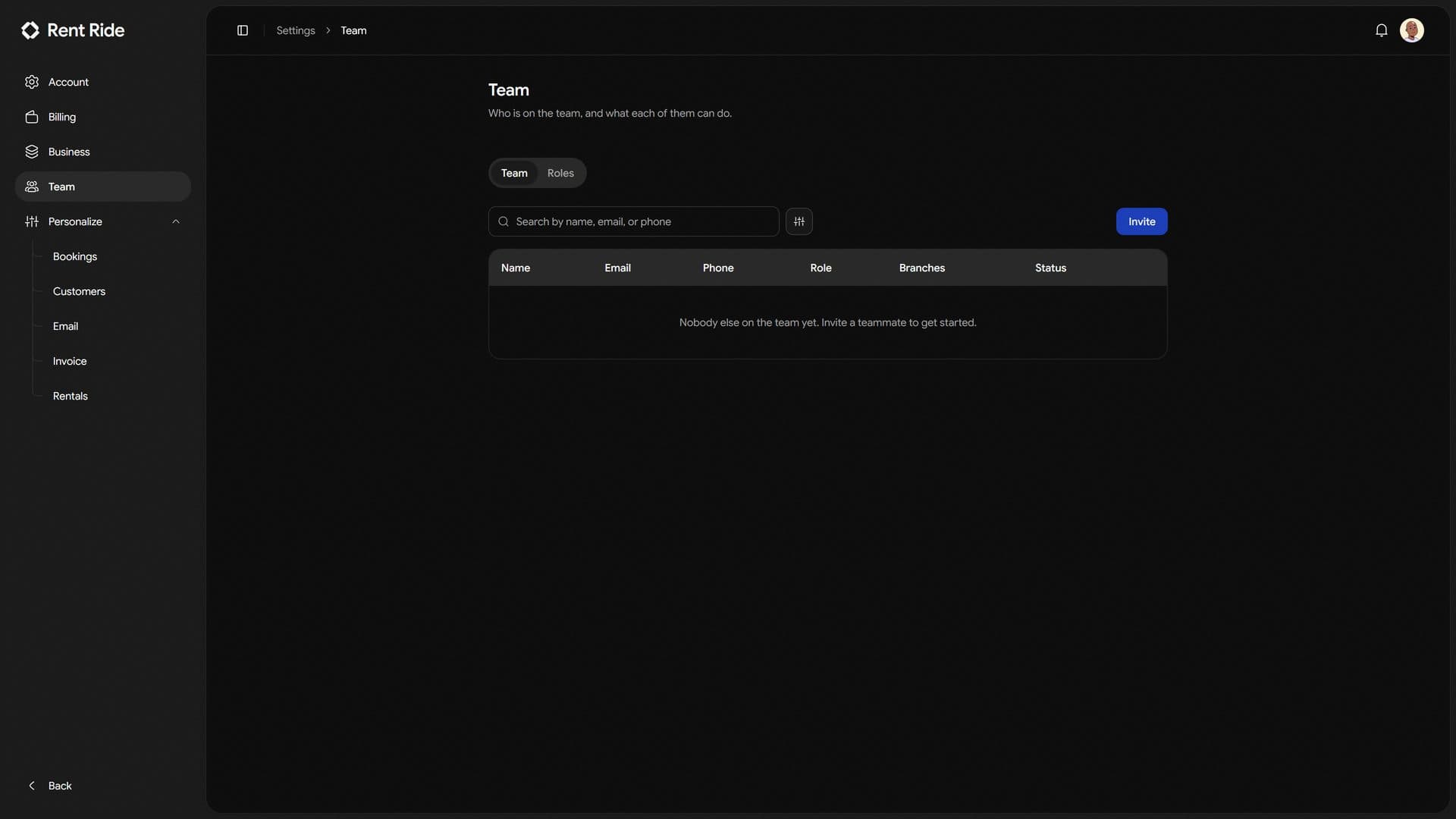
- Nobody shares a login
- People are invited by email and set their own password, so the question of who cancelled the booking has an answer.
- Scoped to a branch
- Organization wide, or only the locations somebody actually works at.
- Removed the same day
- Access ends immediately when somebody is removed, and the seat comes off your next invoice.
And what holds it together
The parts that decide how the business reads to everybody working in it.
Roles in plain words
Admin, Manager and Staff ready on day one, editable, and readable by a person.
Seeing and changing are separate
Somebody can read the money without being able to alter it.
Branches
Each location with its own vehicles, staff and figures, under one account.
Switch desk without signing out
Move between branches and every page follows you.
Your own invoice
Colours, logo and numbering, so what you send looks like it came from you.
Email that works on day one
Confirmations send from the start, and from your own domain when you want them to.
About running the desk
The questions that come up once more than one person is using it.
- How are staff accounts priced?
- Per person per month, and the count follows your team: inviting somebody takes a seat and charges the rest of the month, removing them gives it back at your next invoice.
- Can somebody see the money without being able to change it?
- Yes. Viewing and changing are separate permissions on every part of the software, so a desk clerk can read what they need without being able to edit it.
- Which plan do I need for several locations?
- Enterprise. Starter and Professional are built around a single location; Enterprise runs as many branches as you open, each with its own vehicles, staff and figures.
- Can I record fields that are specific to my business?
- Yes, on Professional and above. Custom fields can be added to customers, vehicles and bookings, and they appear wherever the record does.
Get started
Rent, Ride & Repeat
Add your vehicles, set what you charge, and take a booking this afternoon.